

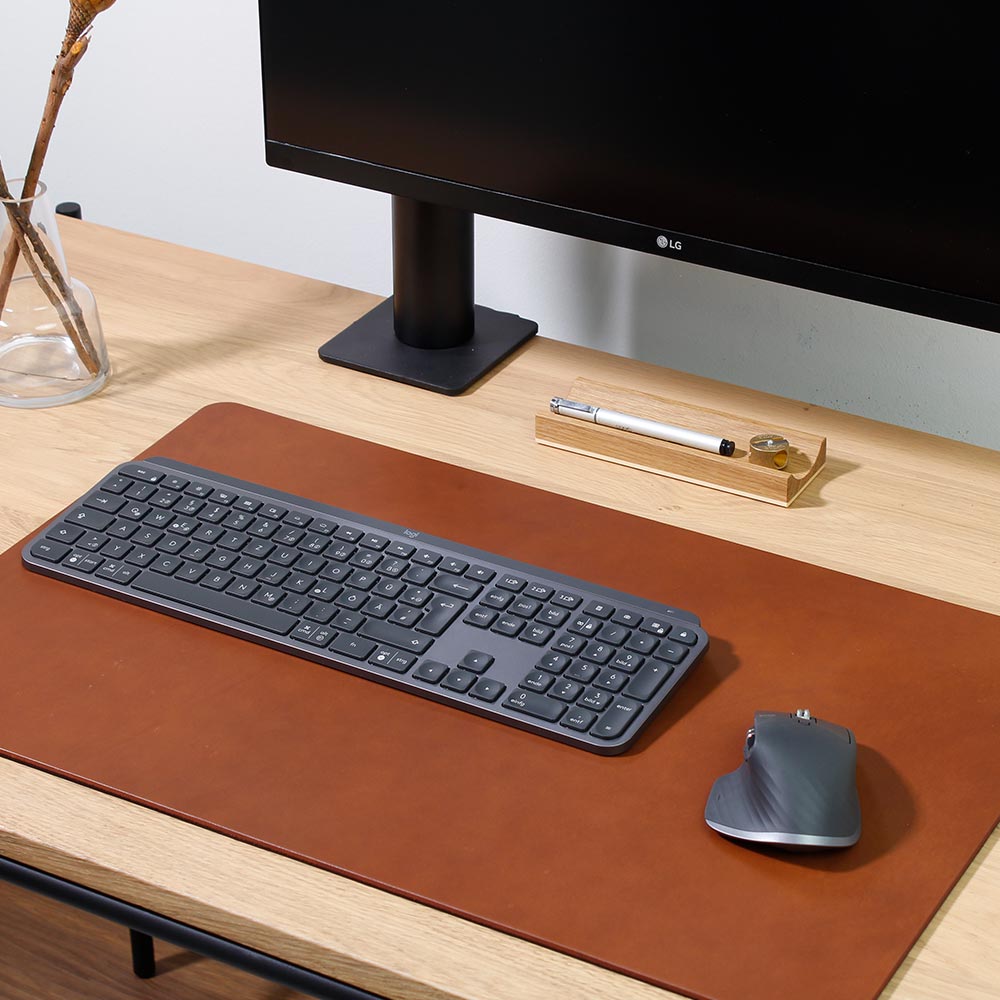
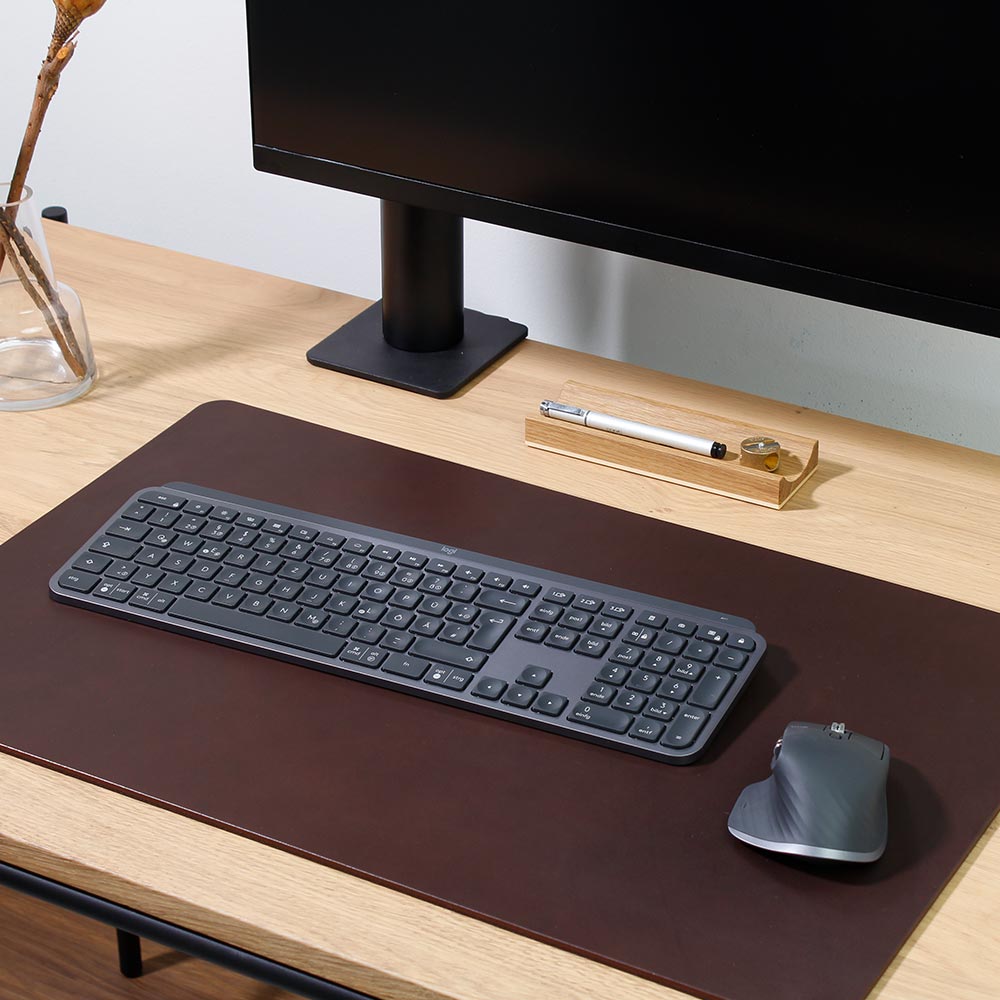
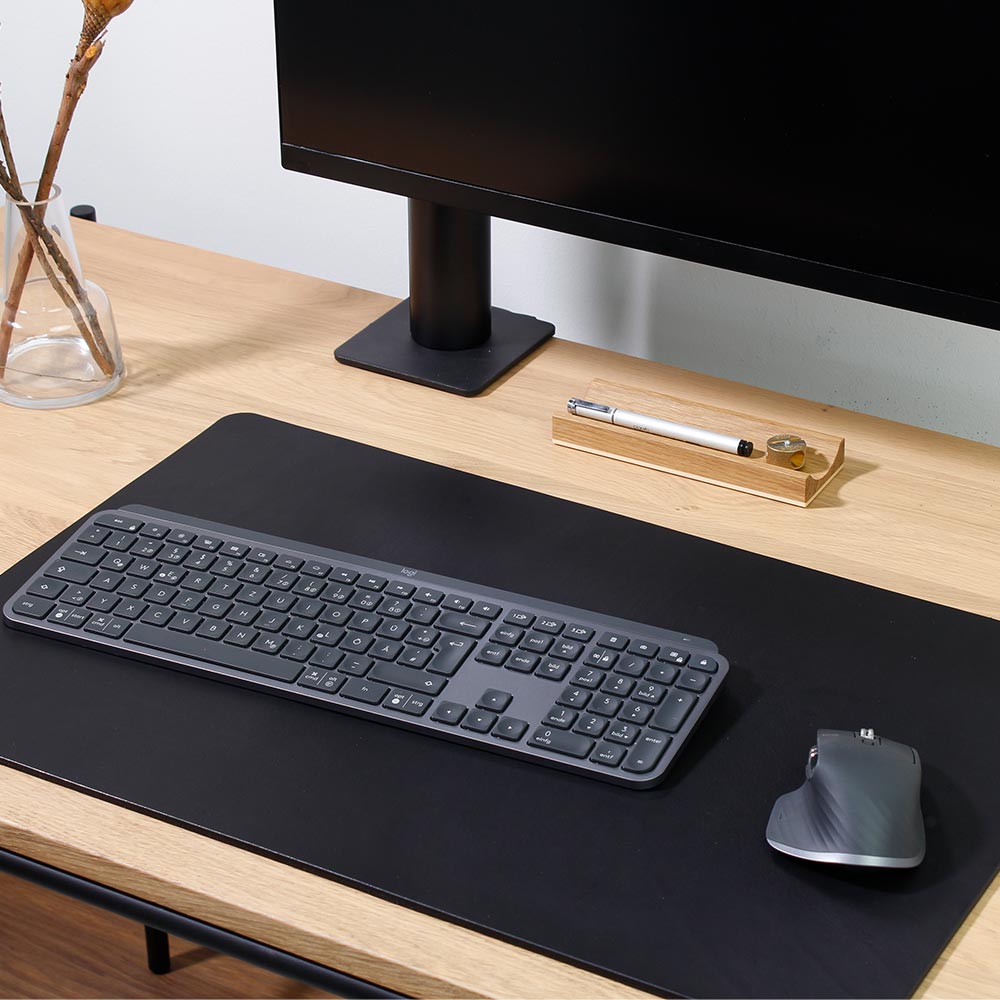
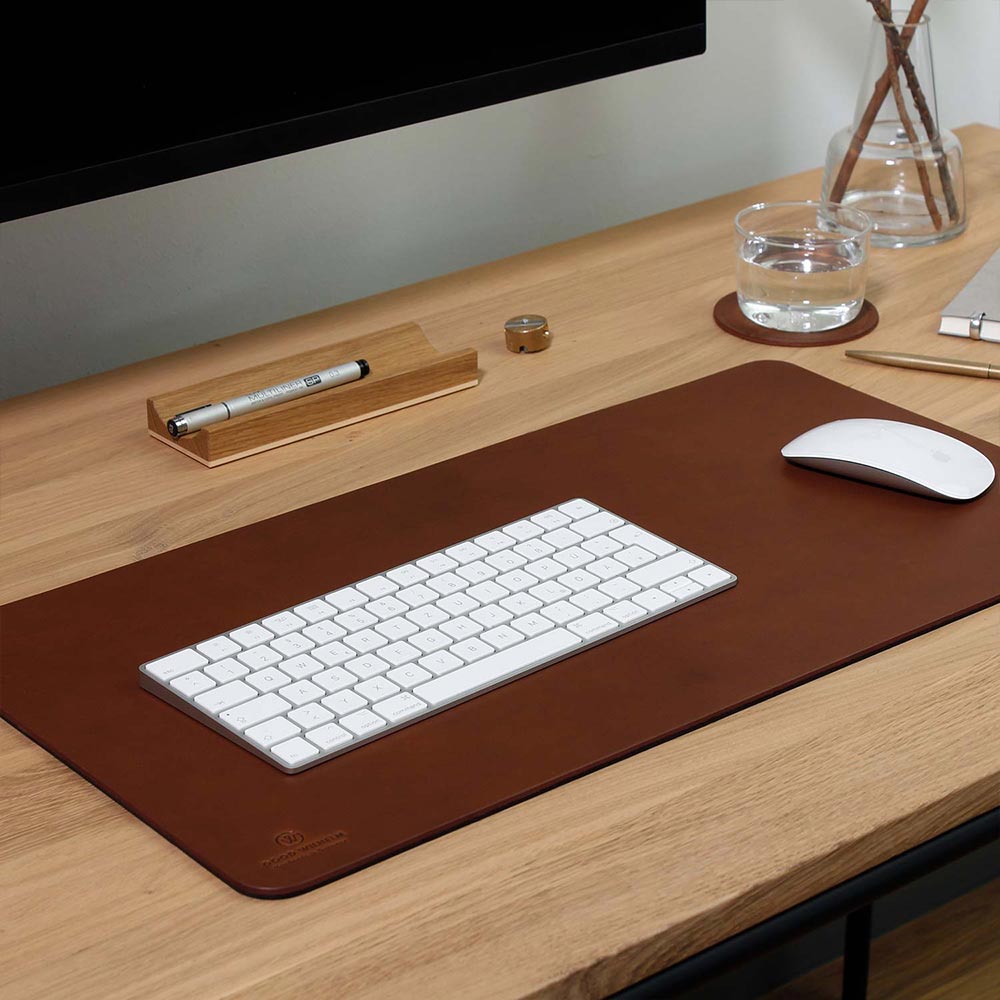
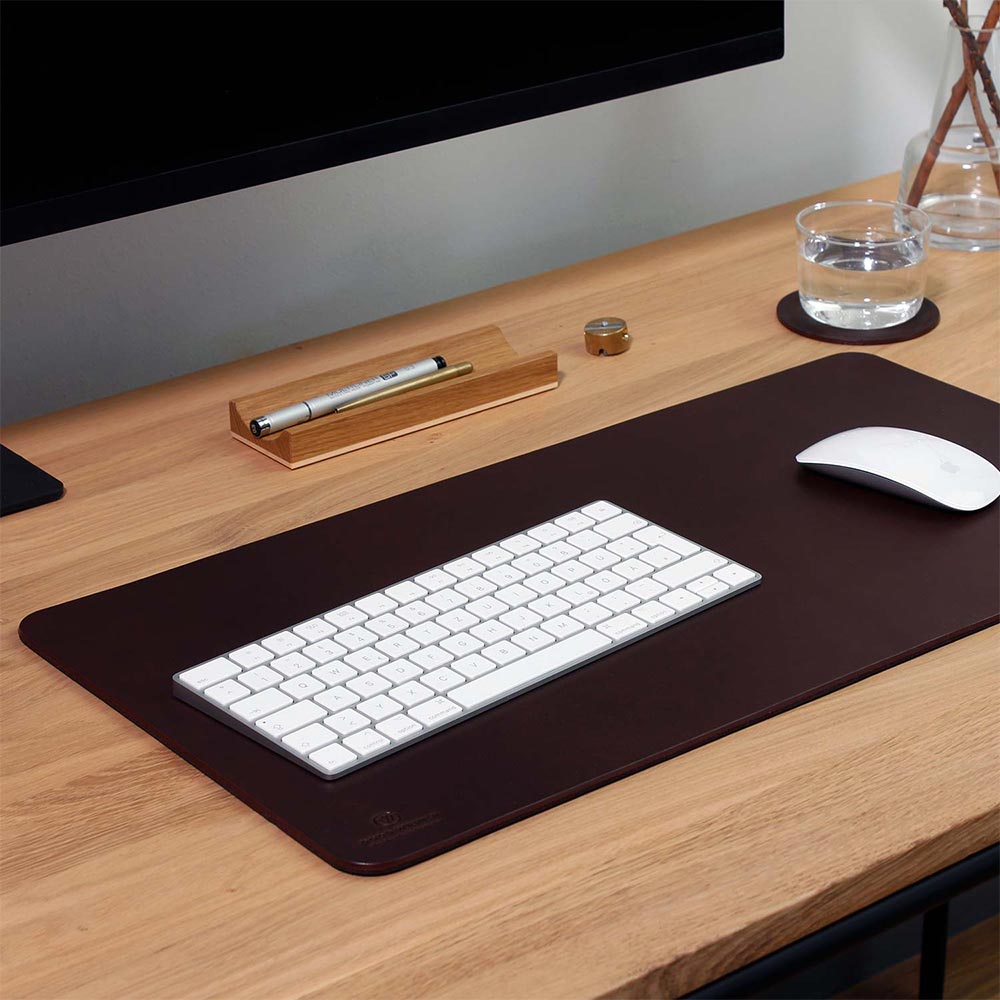
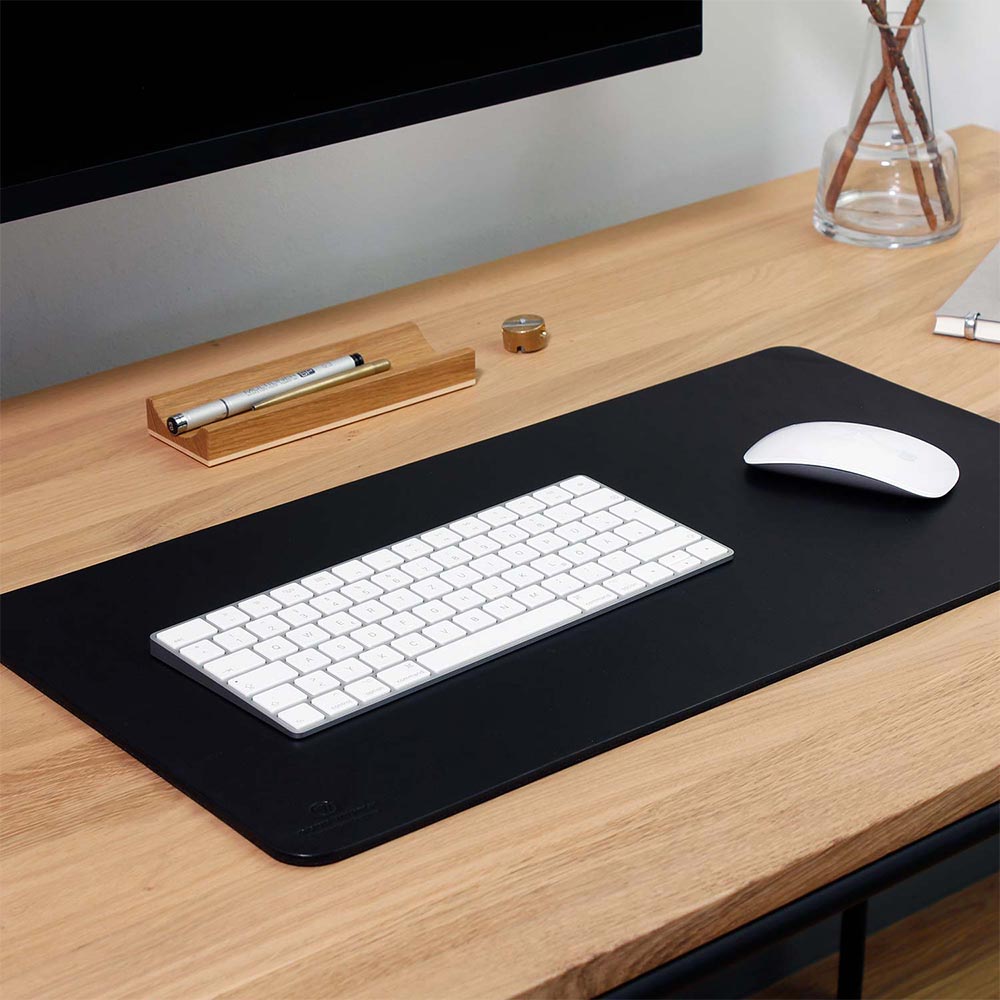
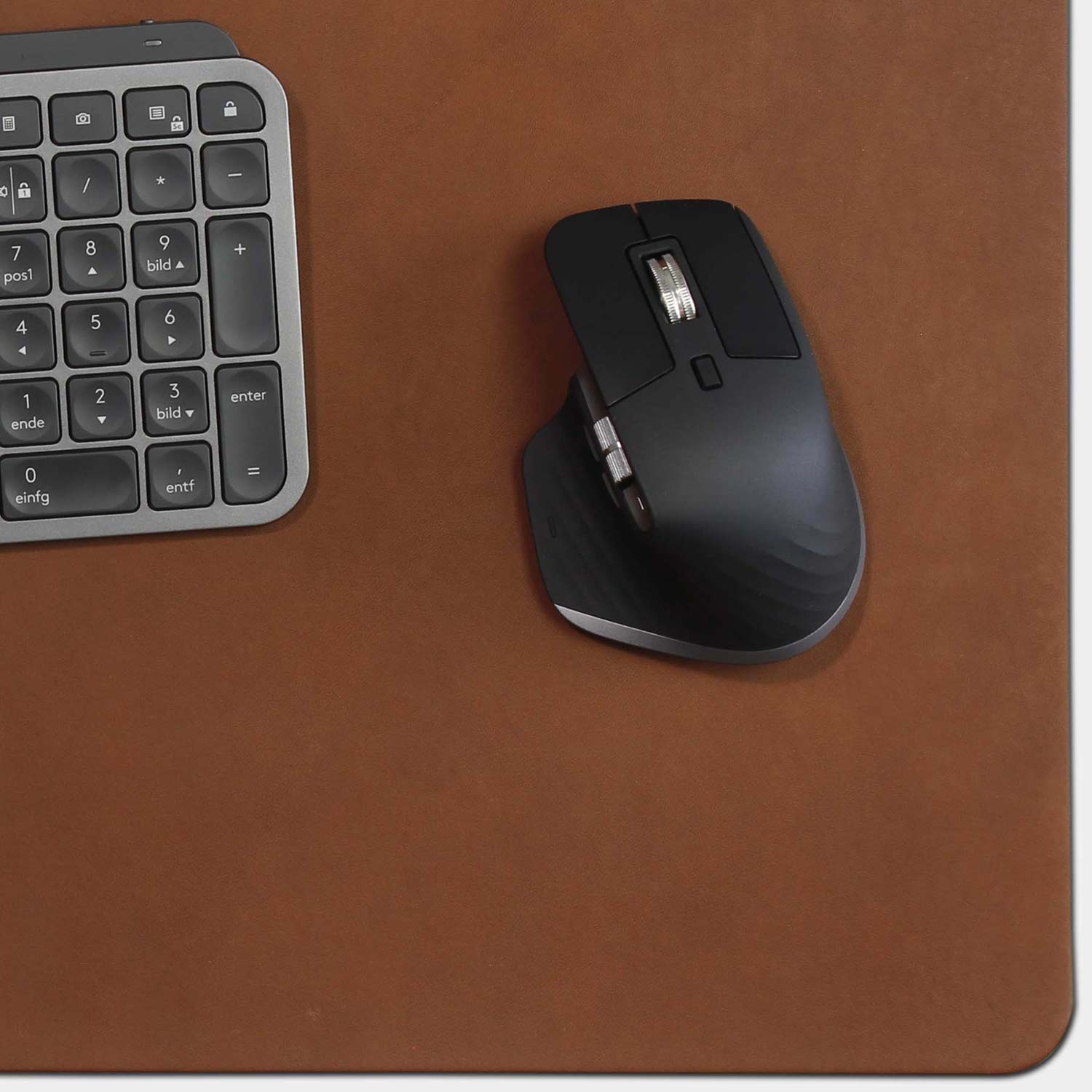

This desk pad is made from vegetable-tanned vachetta leather and is completely chemical-free. The result is a natural, high-quality product that offers a sustainable and long-lasting solution for the workplace.
Das Produkt ist sehr schön gefertigt und wirklich schön in der Hand zu halten. Einzig in der Ladeschale meines Kfz mag manchmal nicht korrekt laden. Dieses Problem hatte ich mit anderen Hüllen nicht. Keine Ahnung woran es liegt, aber sicherlich etwas, wo man nochmal in Zukunft nachbessern sollte.
Hallo Christiane,
vielen Dank für Ihre schöne und ehrliche Bewertung! Es freut uns sehr, dass Ihnen unsere BRUNO-Hülle so gut gefällt.
Zum kabellosen Laden im Auto habe ich eine Vermutung: Kann es sein, dass Sie vorher ein älteres iPhone-Modell mit einer weniger hervorstehenden Kamera verwendet haben?
Die Kameras der neueren iPhone-Generationen sind mittlerweile deutlich dicker geworden. Dadurch kann es passieren, dass das iPhone in der Ladeschale leicht schräg aufliegt und keinen optimalen Kontakt mehr zur Ladefläche hat. Gerade beim kabellosen Laden kann dieser zusätzliche Abstand zu Ladeunterbrechungen führen.
Meiner Meinung nach ist das ein Punkt, den die Automobilhersteller bei der Konstruktion ihrer Ladeschalen stärker berücksichtigen müssten. Idealerweise hätte die Ladefläche eine kleine Vertiefung für die Kamera, damit das Smartphone wieder möglichst flach aufliegen kann.
Das könnte zumindest erklären, warum das Laden bei Ihnen gelegentlich nicht richtig funktioniert. Natürlich können auch andere Faktoren eine Rolle spielen. Sollte das Laden auh mit einem original Magsafe nicht funktionieren, melden Sie sich bitte bei uns.
Vielen Dank nochmals für Ihr Feedback und viel Freude mit Ihrer BRUNO-Hülle!
Herzliche Grüße aus Hamburg
Dein Good Wilhelm Team
Guter Schutz perfekte Haptik
Vielen Dank, Hans! Es freut uns sehr, dass Sie mit der Hülle zufrieden sind. Viel Freude mit Ihrem iPhone!
Dein GOOD WILHELM Team
Geiellll
Hallo Leon, danke für dein tolles Feedback! Es freut uns sehr, dass dir die Hülle so gut gefällt. Wenn du weitere Wünsche hast, sind wir gerne für dich da. Viele Grüße, dein GOOD WILHELM Team